What's new

Post a pic of your Lock Screen and Home Screen!

Just changed mine today.

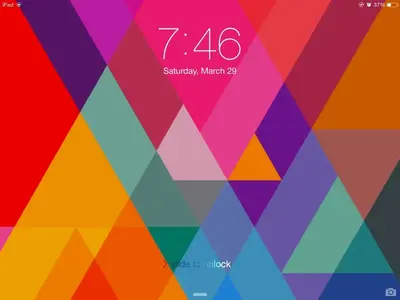
Lock Screen:
image.webp

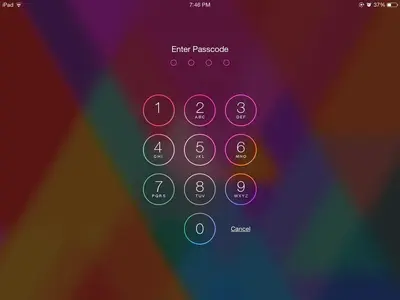
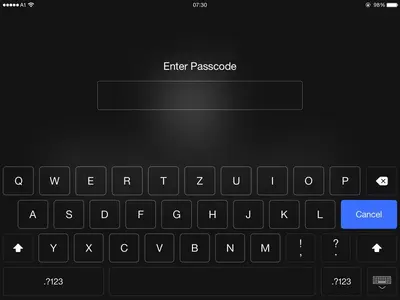
Passcode screen:
image.webp

Colorful backgrounds really makes the transparency of the passcode screen shine!

But!!!

Home Screen:
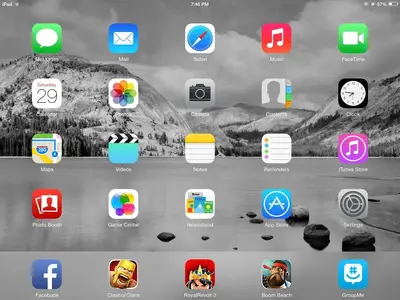
image.webp

Black and White backgrounds makes the colors of the icons shine!
 
Love the bright diamond screen!


Peace begins with a smile. :)
M Teresa
 
Do you know what made that change from the keypad to the box? ;)


Peace begins with a smile. :)
M Teresa
 
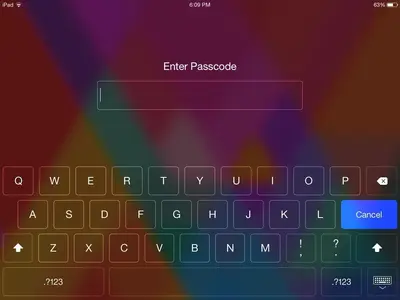
I suppose you use numbers and letters for your passcode:


image-976915369.webp
 
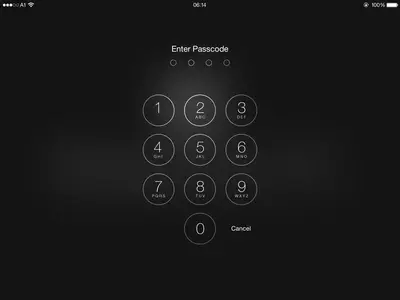
How did you get past the number pad? Or are you jail broken? Thanks!


Peace begins with a smile. :)
M Teresa
 
How did you get past the number pad? Or are you jail broken? Thanks!


Peace begins with a smile. :)
M Teresa

The complex password is a standard feature.

Go to Settings > Passcode; and turn off Simple Passcode. This changes you from the simple, four digit, passcode to a complex multi-character one. Once you are done setting the complex passcode you will get the full keyboard when unlocking the iPad.

Be sure to record the new passcode somewhere safe.
 
Thanks, TPoet , you ARE a WEALTH of information, as usual! ;) :) ;) :)


Peace begins with a smile. :)
M Teresa
 
The complex password is a standard feature.

Go to Settings > Passcode; and turn off Simple Passcode. This changes you from the simple, four digit, passcode to a complex multi-character one. Once you are done setting the complex passcode you will get the full keyboard when unlocking the iPad.

Be sure to record the new passcode somewhere safe.

Looks like apple changed this in iOS 7.1.
 

Most reactions

Latest posts

Back
Top