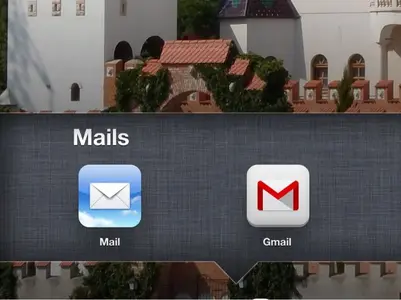
Does anyone know how to delete a app that doesn't have an X on it I have 2 Apps for gmail one is the original app that I want to delete the other is the upgraded app
Does anyone know how to delete a app that doesn't have an X on it I have 2 Apps for gmail one is the original app that I want to delete the other is the upgraded app
(Mail, not Gmail) with "the original app", then I have to tell you that you can't delete it. You could put this icon to a homescreen you use rarely, but it's impossible to delete it. Sorry!
If your device is jailbroke there are apps that will let you delete apps. There are also apps that will allow you to hid the apps you don't want. My iPhone I've hidden things like the news stand, stock ticker, weather etc. so I don't see them. They're still there but hidden.
iPhone 4S 6.1.2 jailbroke iPad 3 6.1.3 not jailbroke




 iPad 3 6.1.3 not jailbroke


