What's new

Changing font size in Reader?

Ipad Now

iPF Novice
Joined
Jun 18, 2013
Messages
108
Reaction score
4
Before the latest update to iOS7 I could easily change the font size. There used to be two A's and I'd just press them to make them bigger or smaller. Now those two A's are gone. How do I change the font size now? I don't need to have all the fonts bigger by going into settings. I just want to control the reader fonts and make them bigger or smaller when I'm using it.
Thanks
 
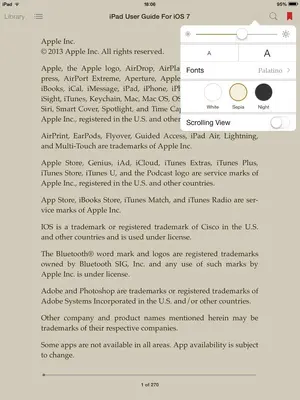
Hi. Sorry for assuming here, but are you referring to the iBooks app? If so, the 'double A' icon is at the top right-hand corner; pressing it will lead to a menu with font size and other options.

If you're referring to something else, disregard my answer.

image.webp
 
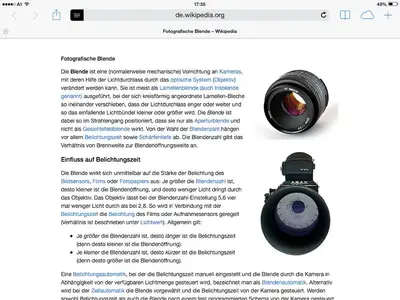
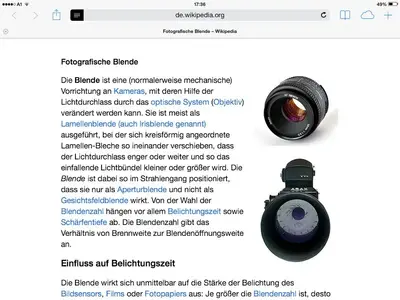
No not the books app. I'm talking about safari for web pages.
 
If you think of this:


image-3528474705.webp


image-2224021088.webp

Wikipedia
You can adjust the size in Settings - General - Text Size. This will increase/decrease text size for Safari in general.
 
Last edited:
Yes that works across the board but I just want to control the reader settings.
 
This feature has been removed with iOS 7.
 
Not as nice, but you can use the Zoom feature in the Accessibility settings. Once you get the hang of the three fingered gestures it's not hard to use.
 

Most reactions

Latest posts

Back
Top