Do you mean going to sites by taping on a link in a tweet?
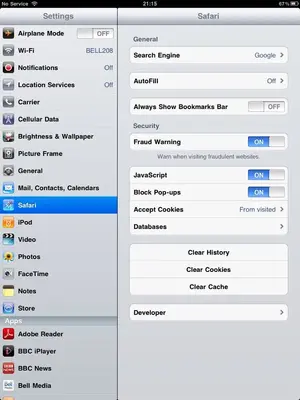
If so, try the site using Safari instead. The built in browsers in Twitter clients are often less able than Safari. In the official Twitter app you can choose to go to Safari by taping and holding on the link, then choosing Open in Safari from the choices.
Or, if you've taped on the site already and it is not displaying properly then tap on the share icon (arrow coming out of a box) at the top right, and choose Open in Safari.
After you are done viewing the article (or whatever) in Safari you can quickly go back to the Twitter app by either double clicking the Home button and choosing the app from the multitask bar, or swiping to the left with four (or five) fingers (goes back to the previous app).